Article Overview
Fiber optic faults in an incoming line cabinet are commonly caused by connector contamination, misalignment, physical damage, or excessive bending, and can be diagnosed using visual inspection, cleaning, and OTDR testing.
Common Causes of Faults
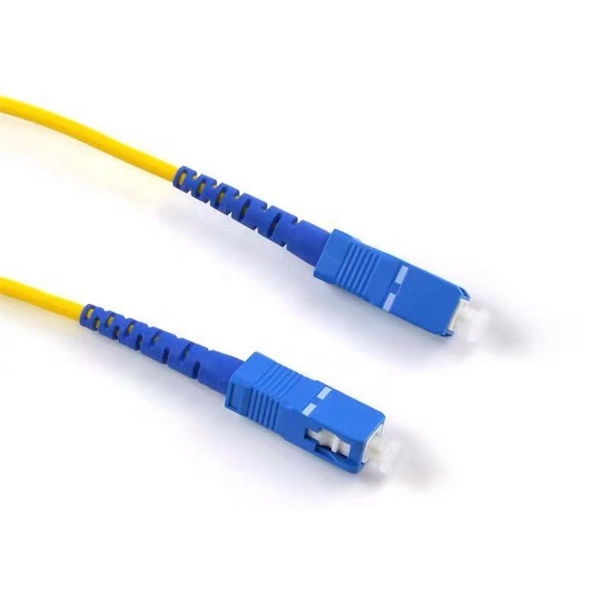
- Connector Contamination or Damage: Dust, fingerprints, or oil on connector end faces can cause high insertion loss or complete signal loss. Poorly seated connectors or worn latching mechanisms can also lead to intermittent connectivity .
- Fiber Breaks or Physical Damage: Fiber strands may be broken due to excessive pulling, bending beyond the minimum radius, or accidental impact. This can result in complete loss of communication .
- Misalignment or Faulty Splices: Improperly aligned fibers or defective fusion splices can reduce signal strength or cause intermittent errors .
- Bends and Microbends: Tight loops or kinks in the fiber can cause attenuation and signal degradation, especially in longer runs .
- Excessive Connections: Too many connectors or adapters in a channel can exceed the optical loss budget, leading to marginal signals .
Step-by-Step Troubleshooting
- Visual Inspection: Check for visible damage, sharp bends, or loose connectors. Inspect connector end faces with a fiber microscope .
- Cleaning Connectors: Use lint-free wipes, isopropyl alcohol, or specialty cleaning pens to remove dust and oil. Follow an inspect → clean → inspect → mate workflow .
- Test Signal Strength: Use a power meter or OTDR to measure signal loss. OTDR can locate breaks or high-loss events along the fiber, while a Visual Fault Locator (VFL) can quickly identify breaks in short accessible runs .
- Check Splices and Polarity: Verify that fusion splices are properly aligned and that connectors are compatible (APC vs UPC) and correctly mated .
- Device and Configuration Check: If the fiber appears intact, test transceivers, reboot devices, and ensure firmware is up to date to rule out hardware or configuration issues .
- Re-route or Replace Damaged Sections: If a break or excessive bend is detected, replace or re-route the fiber and improve mechanical protection to prevent recurrence .
Best Practices
- Maintain proper bend radius and avoid stress on fibers.
- Regularly inspect and clean connectors to prevent contamination.
- Use launch and tail fibers when testing with OTDR to detect incidents near the ends of the link .
- Document the optical loss budget and ensure the number of connections does not exceed design limits. By systematically inspecting, cleaning, and testing the fiber, most faults in an incoming line cabinet can be quickly identified and resolved, restoring reliable communication.
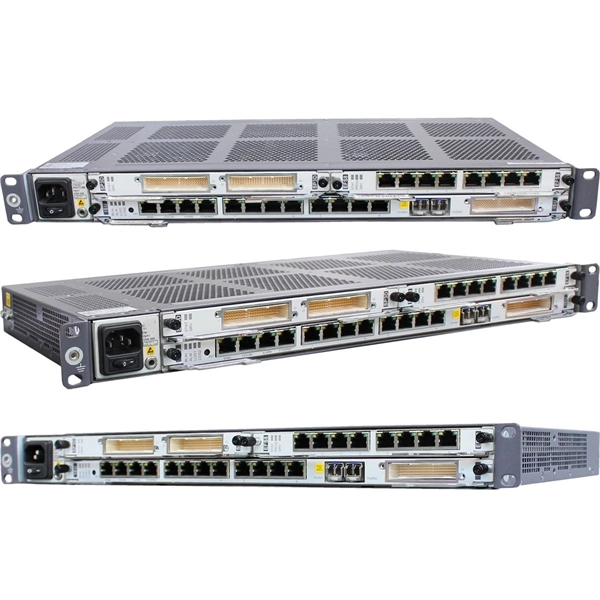
Fault summary of fiber optic transceivers
Fiber optic transceivers are essential components in modern network infrastructures,
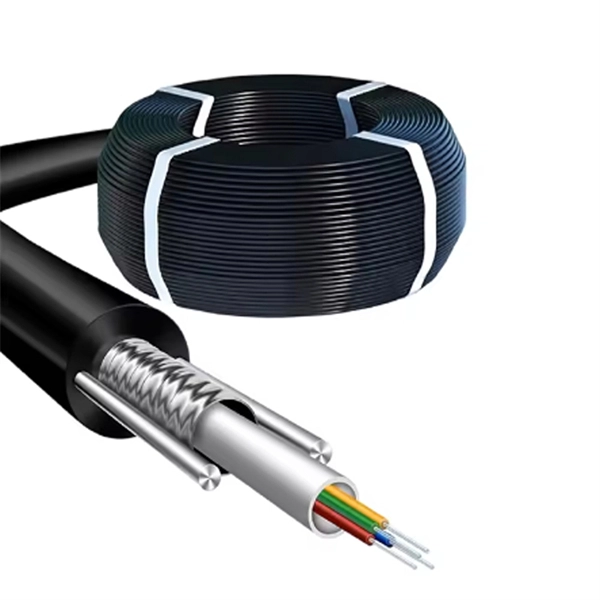
FOA Guide
· Failures in incoming communications links to the communications equipment. · Failed communications modules in the equipment. ·
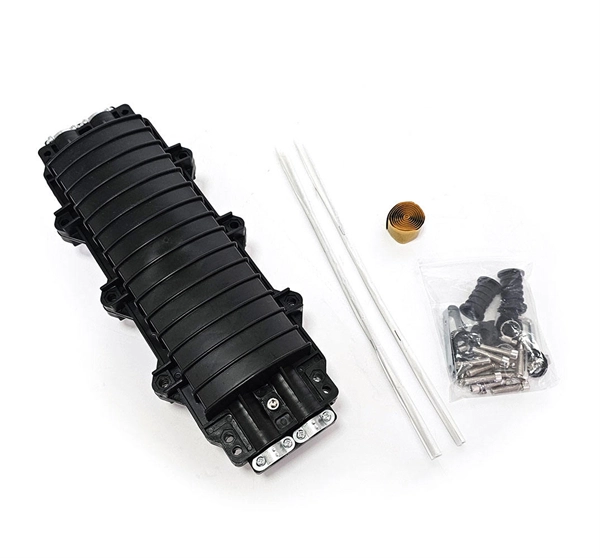
Fiber Optic Cable Series Troubleshooting
1. Overview This document presents a troubleshooting guide for fiber optic cables once deployed and in regular use. It also includes
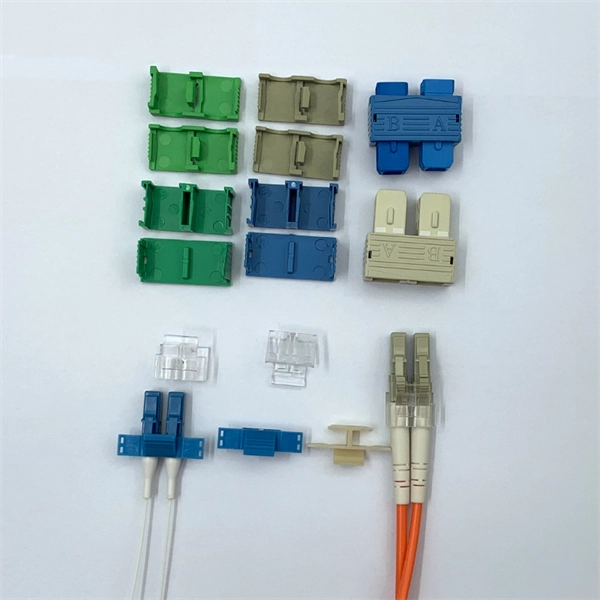
Understanding Common Fiber Internet Problems and
Introduction to Fiber Optic Networks Fiber optic networks have transformed the landscape of internet
Fiber Termination Boxes: A Beginner''s Guide to
In the dynamic landscape of modern communication, Fiber Termination Boxes (FTBs) play
Fiber Optic cable Series-
1. Overview This document presents a troubleshooting guide for fiber optic cables once deployed and in regular use. It also includes
Fiber Network Troubleshooting Guide: Common Issues and Solutions
Fiber optic networks are celebrated for their speed and reliability, but even the best systems can encounter problems.
Fiber Network Troubleshooting – Common Issues & Fixes
Learn how to troubleshoot fiber networks. Identify common issues like high loss, dirty connectors, and signal drops,
Causes and Repair Process of Fiber Optic Cable Line Faults
PART 01: Classification of Fiber Optic Cable Line Faults Based on the situation of fiber interruption in the cable, the
Fiber Optic Network Problems: Causes and Fixes
Identifying and Diagnosing Fiber Optic Issues To effectively diagnose these problems, network
7 Common Issues Requiring Professional Fibre Optic Cable Repairs
Fibre optic cable repairs are crucial when dealing with physical damage, signal loss, and connector problems. This
Fiber Network Troubleshooting Guide: Common Issues and Solutions
“To troubleshoot fiber network issues, start by inspecting physical connections, testing signal strength, and verifying
Troubleshooting fiber
So you''ve replaced your copper cables with fiber optics, but now you''re having problems.
TestTroubleshoot
Designing and manufacturing fiber optic communications products for manufacturers of products using fiber optics . (PDF, 0.2 Mb)
Fiber Optic Troubleshooting: Expert Guide for Common Issues
Troubleshoot fiber optic issues like a pro with our expert guide. Resolve common problems and ensure seamless
Fiber Optic Cable Failures in the Field And How to
Fiber optic cables are the backbone of modern communications, delivering high-speed data
Solving Fiber Network Problems
The Right Solutions Are Essential Troubleshooting fiber problems can be complicated, but
Fiber Optic Issues: Troubleshooting & Prevention Tips
Solve common fiber optic network problems—attenuation, damage, connector issues. Learn troubleshooting steps,
Common Fiber Connectivity Issues: Causes, Troubleshooting, and
Learn the most common fiber connectivity issues in network deployment, including link failure, unstable fiber links,
Fiber Optic Troubleshooting: Essential Tips for Fast
Understanding how to effectively pinpoint and rectify these problems is crucial for
What Are The Most Common Fiber Optics Problems?
An overview of potential problems in fiber optic communication and ways to reduce them.
Fault Finding in Fiber Optics
Fault Finding in Fiber Optics Troubleshooting communications systems can be very difficult, especially with complex networks where
Common Faults of Indoor Optical Fiber Lines
However, indoor fiber optic lines can experience faults that can cause disruptions in communication. In this article, we
Fiber Optic Troubleshooting Guide: Problems, Tools & Solutions
Learn how to troubleshoot fiber optic cables with common problems, a step-by-step process, essential tools, and
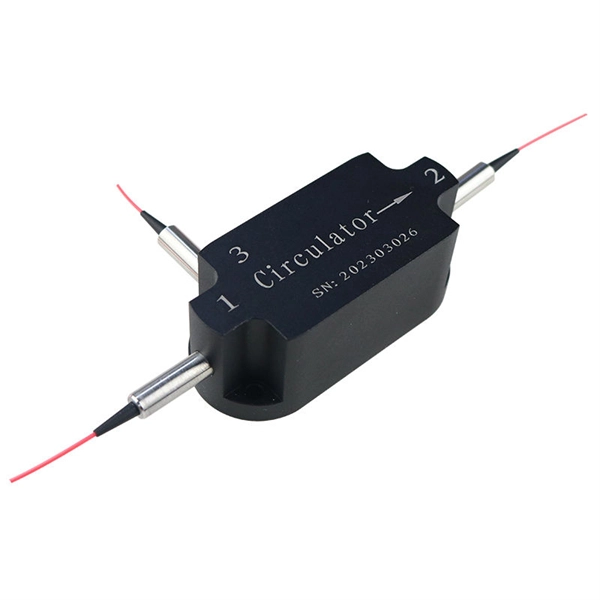
Common faults of indoor fiber optic cable lines
However, there are some common causes of indoor optical fiber optical cable line failures that can disrupt
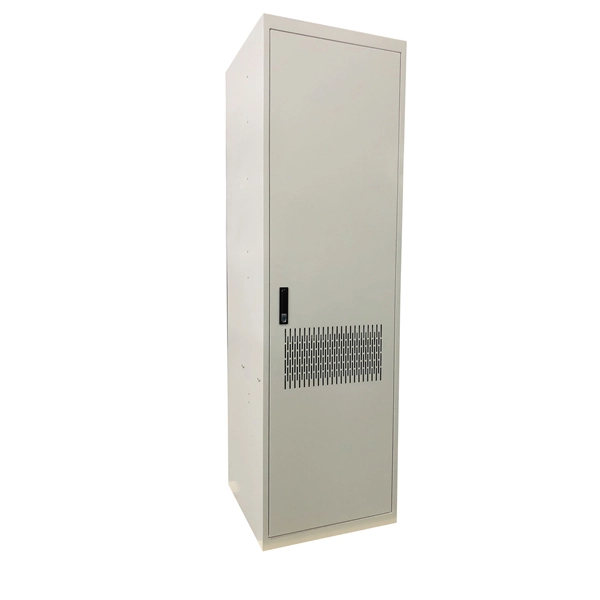
Troubleshooting Tips for Fiber Distribution Cabinets
Troubleshooting fiber distribution cabinets involves systematically checking key components. First, inspect optical fibers for physical
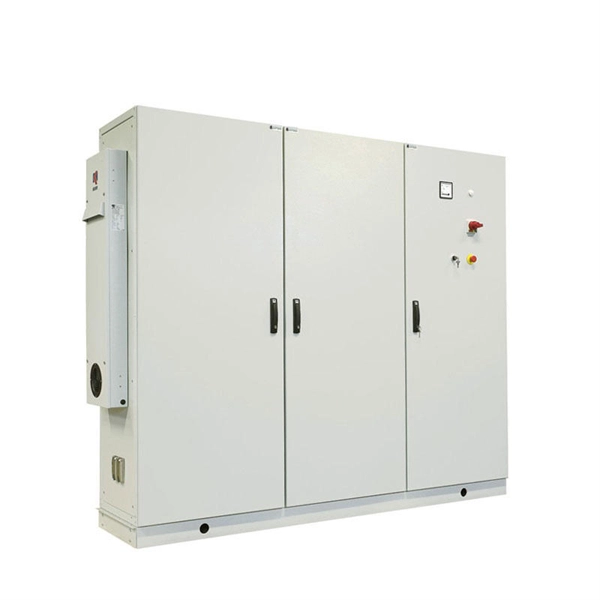
Common Optical Transceiver Failures and Effective Troubleshooting
Introduction: Why Optical Transceiver Reliability Is Critical As core components in high-speed data networks, optical
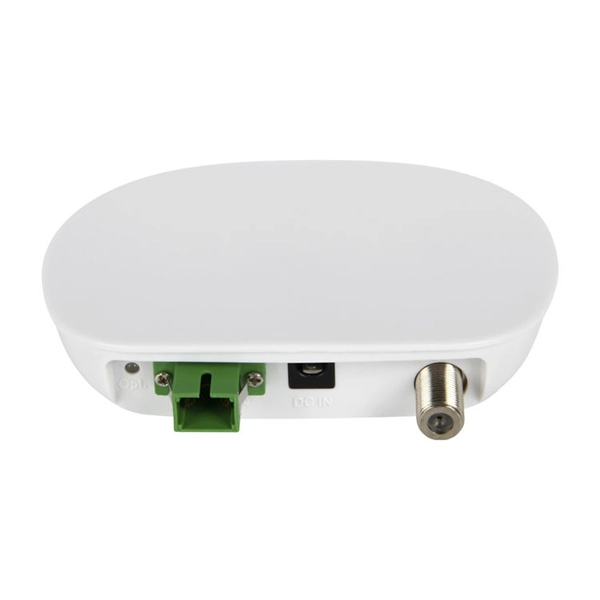
Common Fiber Optic Cable Problems And How To Troubleshoot Them
Most real-world faults are prevented or fixed by neat cable management, clean end-faces and a disciplined, documented test
Related Resources
- Micro Module IDC Ranking
- South Asia Trapezoidal Cable Management Factory
- Fireproof cable trays for high-voltage electrical cables
- What are the light sources that transmit signals in optical fiber communication cables
- 32d Fiber Optic Splitter Box
- Which company is best for energy internet
- Bd Spectrometer
- Paraguay Telecom-Grade Router SFP
- Existing cable trays carrying cables
- New Zealand supplies fiberglass cable trays
- Rack Network System Design
- Stainless Steel Clips for Grid Cable Trays
- Horizontal opening in the middle of the cable tray
- Distribution Box Exhibition
- Disadvantages of stranded optical cables
- Outdoor Monitoring Distribution Box Housing
- Road and Bridge Optical Cable Construction
- Ukrainian Outdoor Network Cabinet Type
- Fiber Optic Fusion Splicer B-19
- Senegal Industrial-Grade Unmanaged Switch
- Optical cable sheath manufacturers
- What are the requirements for fiber optic cable laying and traction
- Gabon Vertical Cable Tray Quotation
- How long can the cables distributed from the fiber distribution box be pulled