Article Overview
A WAN disconnection on a fiber optic router can result from physical cable issues, configuration errors, or upstream ISP problems, and can often be resolved through systematic troubleshooting.
Check Physical Connections
Ensure the fiber optic cable is securely connected to the router's WAN or PON port. Inspect the cable for any visible damage or bends that could affect signal integrity. Verify that the LED indicators on both the router and the fiber interface are active or blinking; a non-blinking LED may indicate a physical or ISP-related issue .
Power Cycle Devices
Turn off the router and any connected modem or ONT (Optical Network Terminal). Disconnect the power adapters, wait 2–5 minutes, then reconnect and power on the devices. This can resolve temporary software glitches and reestablish connectivity .
Verify Router Configuration
Check the router's WAN settings:
- Ensure the WAN interface is set to the correct protocol (DHCP, static IP, or PPPoE) as required by your ISP.
- If your ISP registers devices by MAC address, consider cloning your PC's MAC address to the router's WAN interface to ensure recognition .
- Confirm that link speed settings are compatible; sometimes forcing a lower speed (e.g., 100 Mbps instead of 1 Gbps) can stabilize the connection if the port is unstable .
Firmware and Device Updates
Outdated firmware can cause WAN instability. Check for the latest firmware updates for your router and ONT/modem and apply them. Ensure all connected devices are compatible with your ISP's network .
Monitor for Upstream or ISP Issues
If the WAN disconnection persists despite correct configuration and physical checks, the issue may be upstream:
- Log into your modem or ONT to check for errors or status messages.
- Contact your ISP to verify if there are service outages or line issues.
- Some users report that WAN drops are resolved only by resetting the modem, indicating the problem may lie with the ISP or the modem itself .
Additional Considerations
- Test with a different router or WAN port if available to rule out hardware failure.
- Keep a log of disconnection times to identify patterns, such as high network usage periods or specific devices triggering the drop .
- If all else fails, a technician visit may be necessary to inspect the fiber line and router hardware . By following these steps, you can systematically identify whether the WAN disconnection is due to physical, configuration, or ISP-related causes and take appropriate corrective action.
Router randomly drops internet connection but still says "connected"
The router works when the problem occurs: I can login to the interface and it says connected ( all on my local network
Fiber Troubleshooting | CenturyLink
Is your fiber internet not working right? Troubleshoot common issues and ways to improve your Fiber Internet connection from
Fiber Network Troubleshooting – Common Issues & Fixes
Learn how to troubleshoot fiber networks. Identify common issues like high loss, dirty connectors, and signal drops,
Quora
Hier sollte eine Beschreibung angezeigt werden, diese Seite lässt dies jedoch nicht zu.
Failed Internet access through router
If the computer''s network card is not set to automatically obtain the IP location, it may not be able to obtain the IP
Broadband Internet Repair: 100% Solid Tips | Dong
Modem vs. router vs. gateway: A gateway includes a Wi-Fi router and a broadband terminal
Why Is My Fiber Internet Not Working | Brightspeed
To identify why your fiber internet isn''t working, it''s important to establish where the connection problem is. In many cases, a fiber
Fix Fiber Issues Fast: Your Ultimate HomeLinkd Guide
Explore our comprehensive guide on Troubleshooting your Fiber Connection, addressing common issues for improved internet
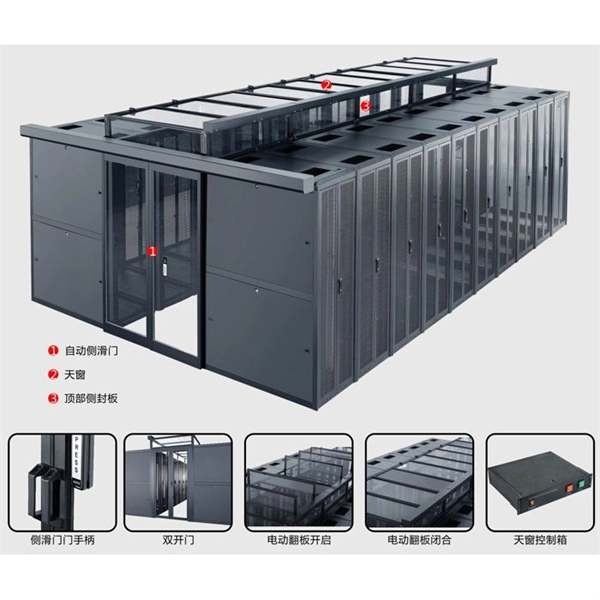
Fiber Optic Troubleshooting: Expert Guide for Common Issues
Troubleshoot fiber optic issues like a pro with our expert guide. Resolve common problems and ensure seamless
WAN port not detecting internet connection
It''s as if the router is failing to detect my ethernet altogether for the WAN port and the same router works fine with my
6 Ways To Fix WAN Connection Error
Here are some of the basic troubleshooting techniques that can solve any type of WAN connection error: If you
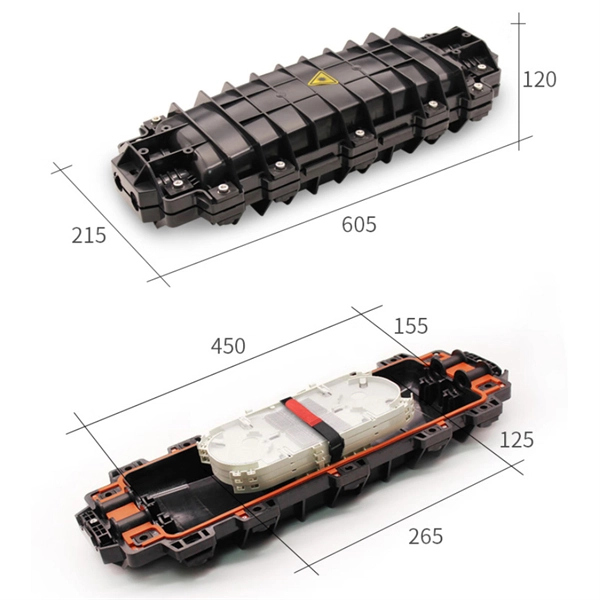
What to do when WAN disconnects? | SNBForums
Hi, Just wanted to ask if there are steps to be done when my WAN connection disconnects? I accidentally powered off
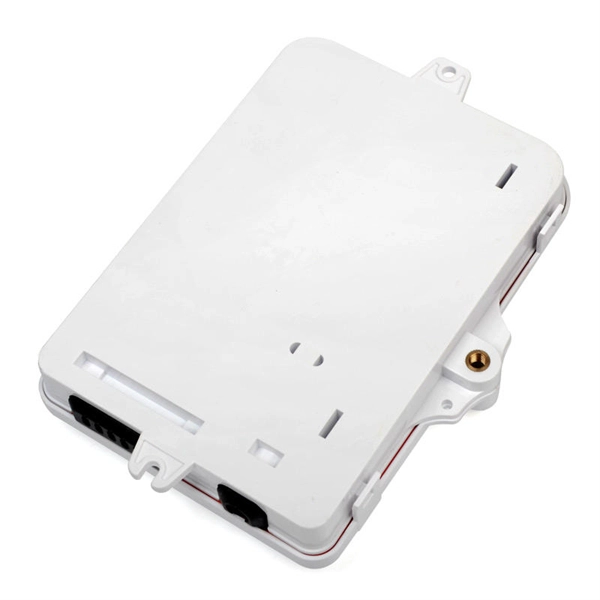
I am having an issue where my router WAN connection light turns red randomly and I lose connection on wired and
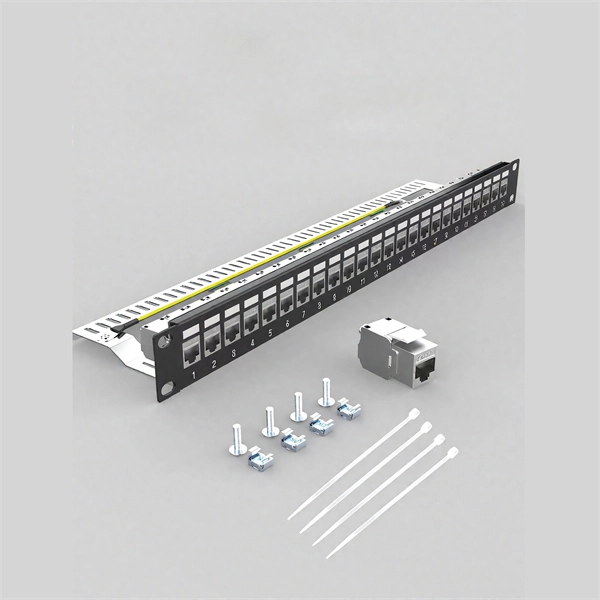
WAN port plugged with ethernet cable, internet light off
Internet light being off or the "WAN Port Unplugged" message means that your Router''s WAN port physical connection
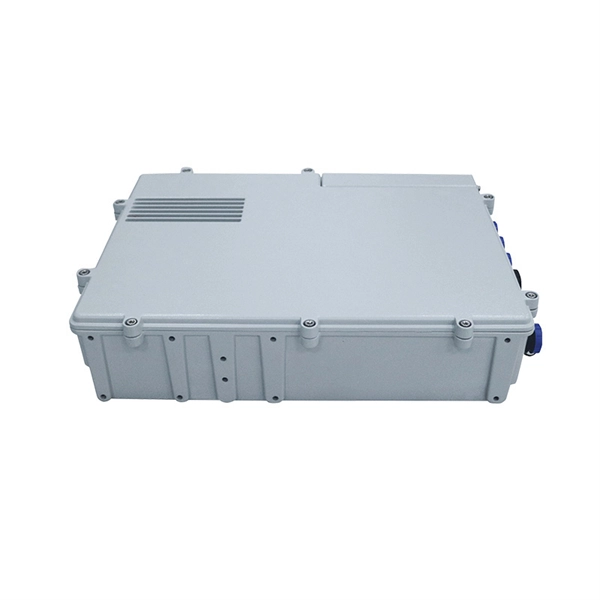
Router WAN Port Not Working: How to Tell Configuration
Struggling with a router WAN port not working? Learn step-by-step diagnostics, configuration checks, and how to confirm hardware
TP-Link Router Internet Light Off or WAN Port Unplugged: Fix It
If the internet light on your TP-Link router is off, or the web interface shows "WAN Port Unplugged" or "Something Is
Out of the blue, my router will start blinking red light. When i dive into wireless settings-- "Wan port is Unplugged". i
Asus home router dropping WAN connection
I''ve posted this issue before (couldn''t locate previous question) and essentially got responses that said it was an issue
Router says WAN port is unplugged : r/TpLink
Now it shows that something is wrong with my WAN port connection, but the wire was always connected to the router and it was
Fix a Failing Router WAN Port — Diagnose & Work Around
Your router''s internet port isn''t working or keeps disconnecting - here''s how to diagnose and work around a failing WAN port.
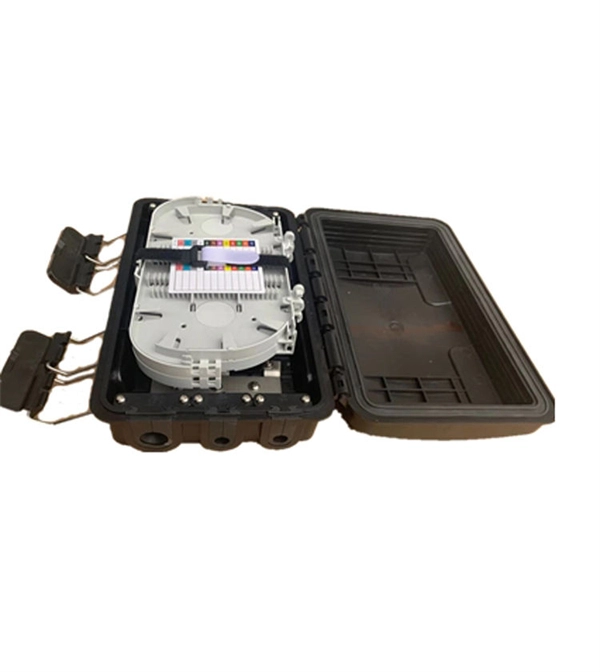
Fiber ONT Troubleshooting
Don''t let optical network terminal (ONT) problems disrupt your fiber-optic experience. At BroadbandSearch, we
WAN Connection Detection
DrayTek Vigor routers have the ability to ensure an Internet connection is in a working state with WAN Connection Detection. This
Understanding Fiber Internet Setup
The other side is LAN from where a LAN cable drops into my house and goes into the WAN port of my router. I only
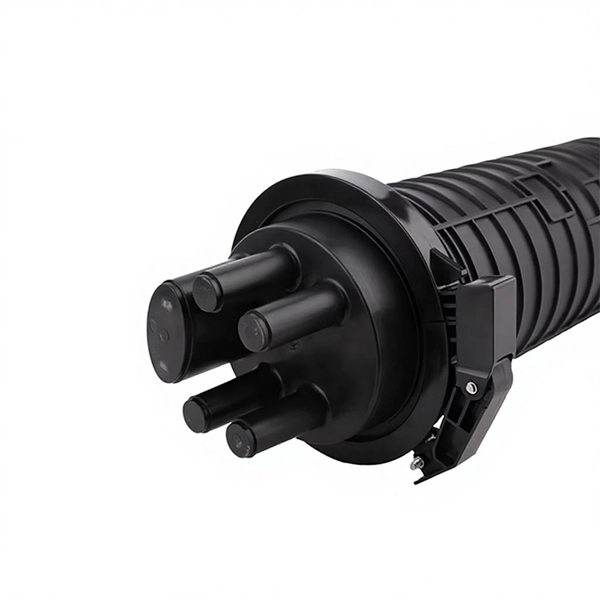
Troubleshooting Guide: Addressing a WAN Connection Down Issue
To fix a WAN connection issue, you can try the following steps: restart the router, check network cables for damage or loose
Fiber Optic Troubleshooting Guide: Problems, Tools & Solutions
Learn how to troubleshoot fiber optic cables with common problems, a step-by-step process, essential tools, and
Fiber Network Troubleshooting – Common Issues & Fixes
Fiber optic networks are celebrated for their speed and reliability, but even the best systems can encounter problems.

Troubleshooting Fiber Cables : r/networking
First check "show interface ethernet X/X transceiver details" it should show you current transmit and receive signals that often help
Related Resources
- Singapore Fiber Optic Communications
- Individual switch failure in low-voltage distribution box
- Price of heavy-duty busbars
- South Sudan earthquake optical cable 2021
- Huawei Switch Fiber Optic Internet Access
- New Zealand OTN Router EML Direct Sales
- Germany Underground Flame-Retardant Optical Cable Price List
- Jamaica LPO optical module 200G
- Mali Quality Assurance EPON Equipment SFP
- 638nm laser diode efficiency
- Fiber distribution box concealed